Guides
Learn how to set up and get more from FxJournalStats.

How to Auto Sync MetaTrader 5 Trades with the FxJournalStats EA
Install the FxJournalStats Expert Advisor in MetaTrader 5 so every closed trade is sent to your journal automatically — no exports, no FTP.
Read Guide
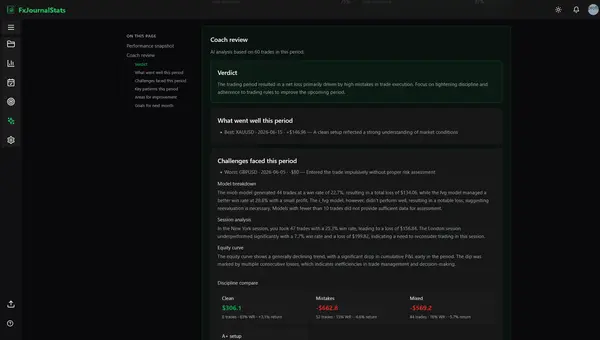
How to Use AI Trading Reviews in Your Notion Journal
Generate on-demand or scheduled AI coaching reports from your Notion trade journal — performance stats, rule adherence, and pattern insights.
Read Guide
How to Export DAS Trader Trade Data as CSV for Analysis
Export your DAS Trader execution history as CSV and upload it to FxJournalStats. The dedicated importer auto-detects your export type, pairs fills into round-trip trades, and computes P&L.
Read Guide
How to Export MetaTrader 5 Trade History as HTML for Analysis
Export your MetaTrader 5 account history as an HTML report and upload it to FxJournalStats to analyze closed trades, P&L, symbols, and trading performance.
Read Guide

How to Export Your TradingView Trade Data and Turn It into Actionable Insights
TradingView is a powerful platform for traders, offering advanced charting tools and broker integration. However, analyzing your trading performance requires more than just charts, you need data.
Read Guide

How to Export MatchTrader Trade Data for Analysis: A Step-by-Step Guide
Analyzing your trading data is a powerful way to identify trends, optimize strategies, and improve performance. MatchTrader makes it simple to export your trade data, and with tools like FxJournalStats, you can transform your data into insightful charts and calendars...
Read Guide
How to Import FxJournalStats Trades into Notion
Publish filtered upload trades straight into your Notion trading journal, or export a Notion-ready CSV and import it by hand.
Read Guide
How to Export Tradovate Trade Data as CSV for Analysis
Export your Tradovate trade data as a CSV file and upload it to FxJournalStats to analyze futures trades, timestamps, P&L, symbols, and performance.
Read Guide
How to Export FxReplay Trade Data as CSV for Analysis
Export your FxReplay trade history as a CSV file and upload it to FxJournalStats to analyze your replay performance, P&L, symbols, and trading patterns.
Read Guide
How to Import Trades with Custom Upload
Import trades from almost any CSV or XLSX export. AI suggests the column mapping, and you stay in control by reviewing it before upload.
Read Guide
How to Export cTrader Trade History for Analysis
Export your cTrader trade history as XLSX, CSV, or HTML and upload it to FxJournalStats to analyze deals, net P&L, symbols, and trading performance.
Read Guide
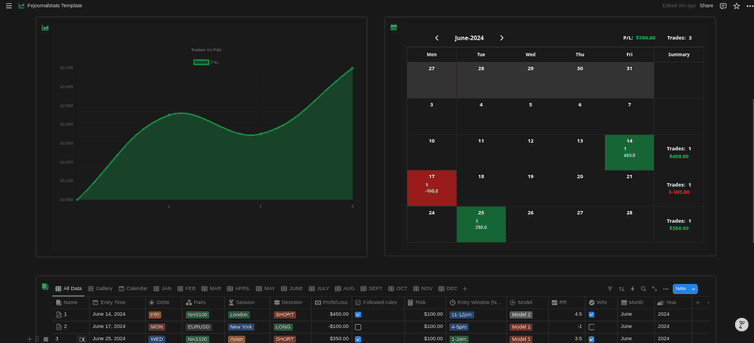
Step-by-Step Guide to Adding Analytics (Charts & Calendars) to Your Notion Journal with FxJournalStats
Learn how to enhance your Notion journal with powerful analytics using FxJournalStats. This guide walks you through creating custom charts and calendars, linking them to your Notion database, and tracking data visually for better insights and productivity.
Read Guide
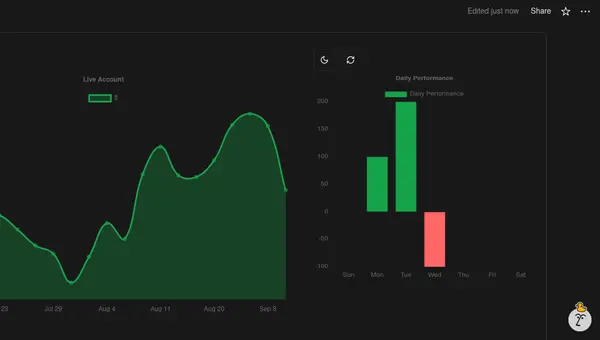
How to Create Custom Charts in Your Notion Journal: A Step-by-Step Guide
Follow this step-by-step guide to create and embed custom charts into your Notion journal...
Read Guide
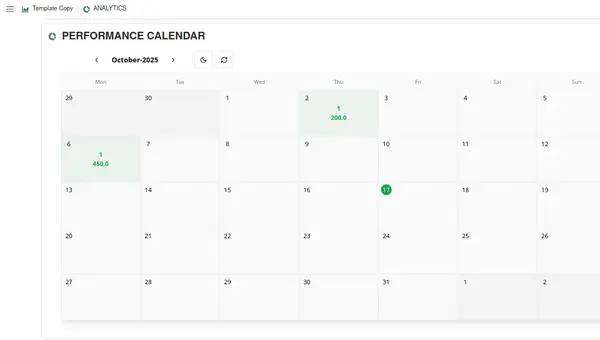
A Step-by-Step Guide to Adding a Custom Calendar to Your Notion Journal for Better Tracking
Create a custom calendar, map your Notion columns, customize how values display, and embed it in your journal.
Read Guide

How to Create and Track Trading Objectives in Your Notion Journal: A Step-by-Step Guide
Learn how to create, customize, and embed trading objectives in your Notion journal. Track your achievements with progress bars, badges, and circular displays to celebrate your trading journey.
Read Guide
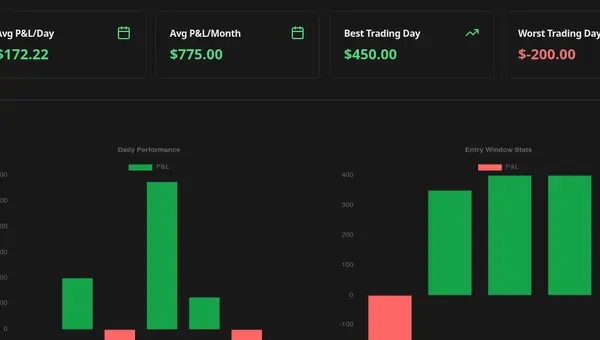
Complete Guide to Chart Templates and Requirements
A comprehensive guide to all chart templates available in FxJournalStats. Learn what each template does, what metrics it tracks, and which Notion columns are required.
Read Guide