Turn your Notion trading journal into live trading analytics
Notion stores the trades. FxJournalStats draws the charts.
#1 in Trading Journal on the Notion Marketplace38,700+ template downloads
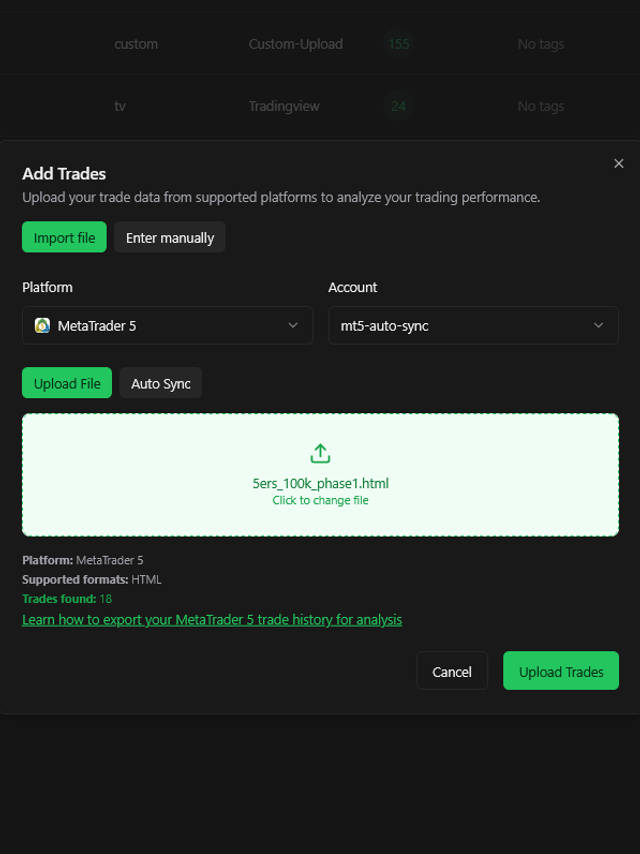
Not on Notion? Import from MT5, TradingView and more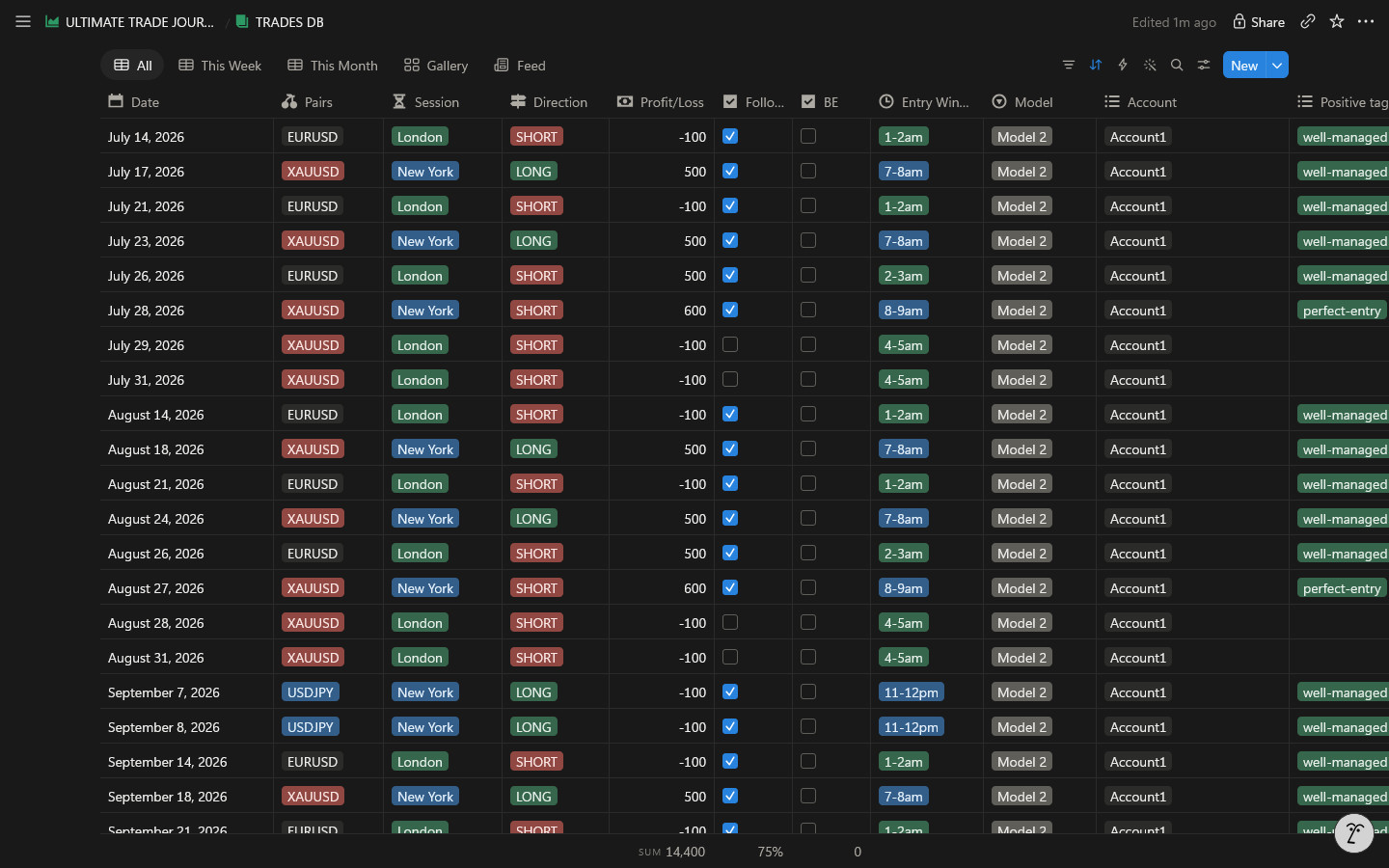
Analytics inside Notion
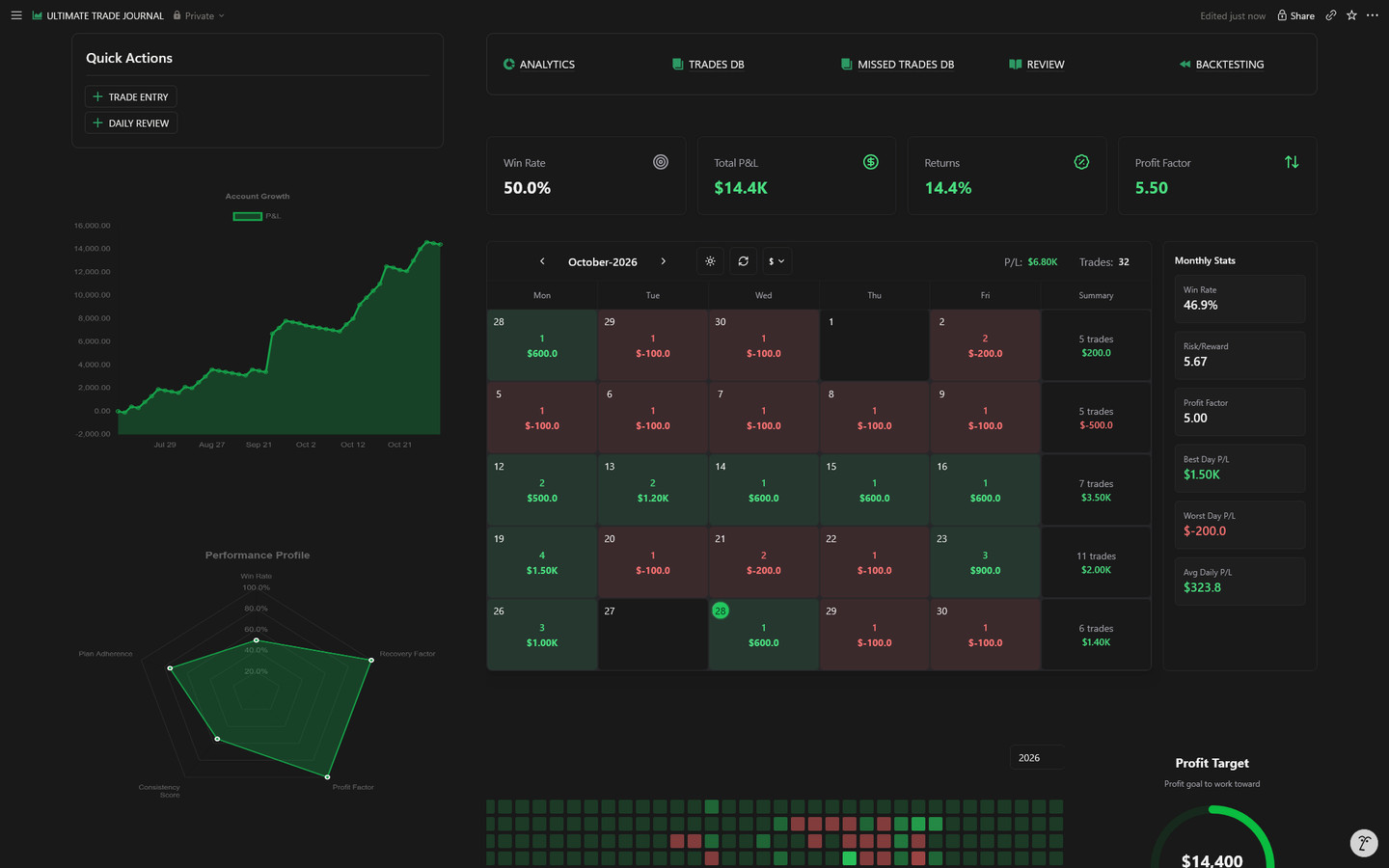
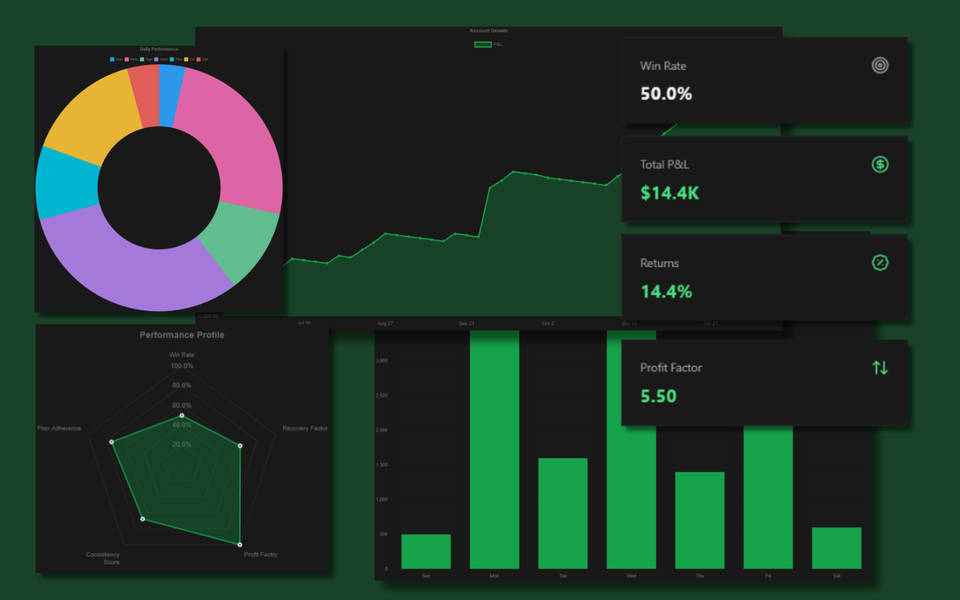
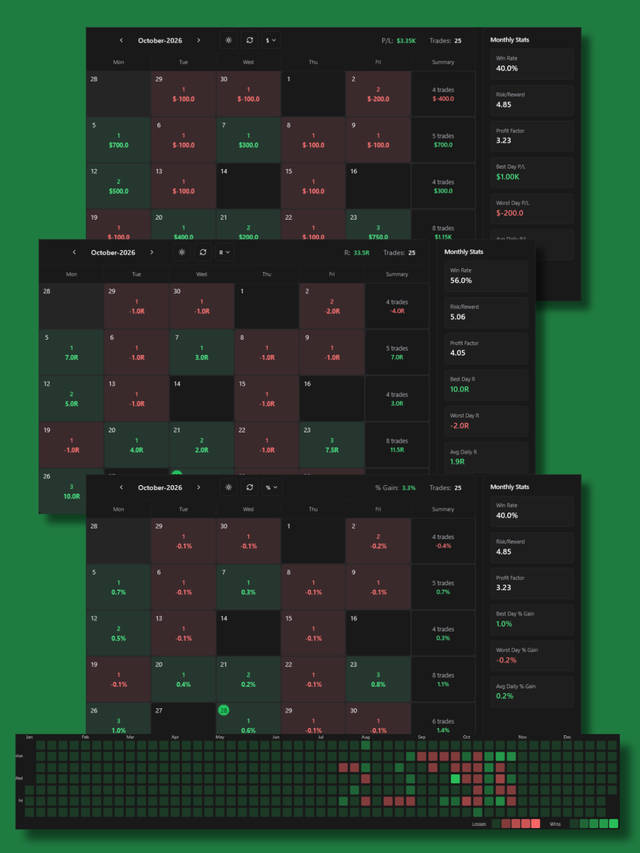
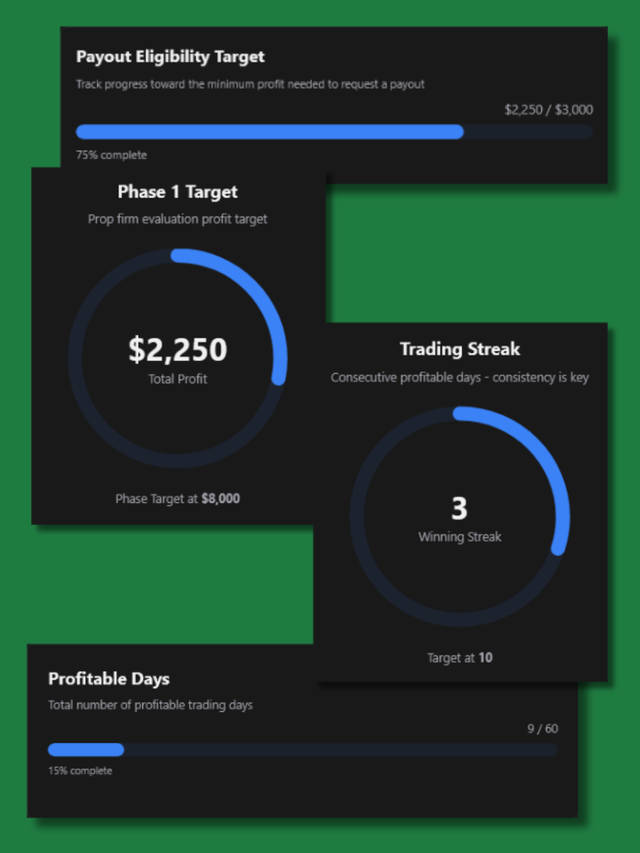
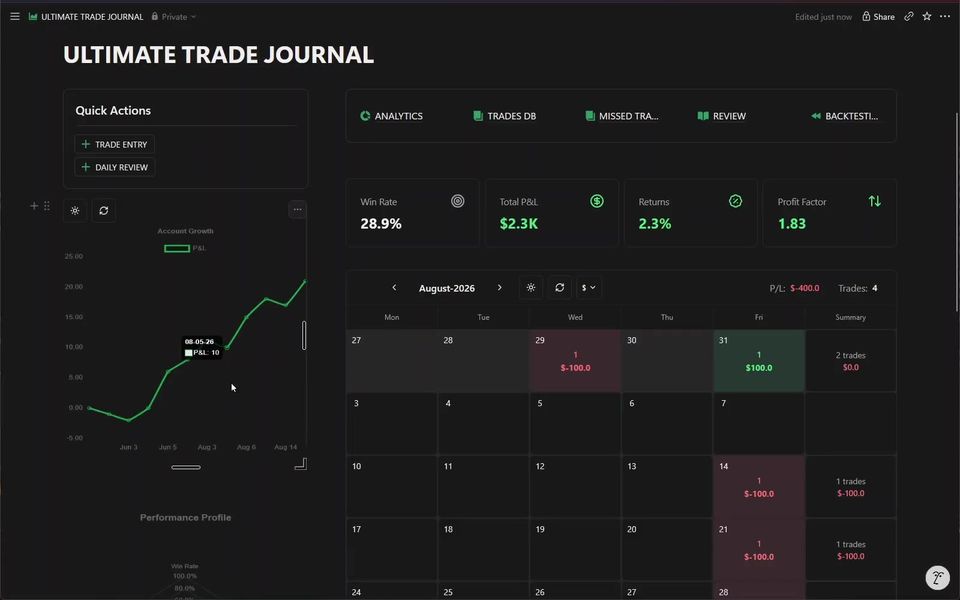
Charts, a P&L calendar and objectives that live in your journal pages.
Get an AI Coach Review of Every Trading Week
Turn your Notion trading journal into structured coaching reports — performance snapshots, discipline breakdowns, and an AI-written verdict, generated on demand or automatically every week or month.
- Weekly, monthly, or on-demand — schedule automatic reviews or generate one instantly for any period.
- Performance snapshot — net P&L, win rate, trade count, and rule adherence at a glance.
- Discipline breakdowns — see what clean, rule-following trades earned vs. what mistakes cost you.
Verdict
Disciplined week overall — your clean-setup trades carried the account. Two rule-break trades cost $310; tightening entry criteria on Fridays would likely close that gap.
+$2,790
24 trades · 71% WR
-$310
7 trades · 29% WR
Start with a journal built for analytics
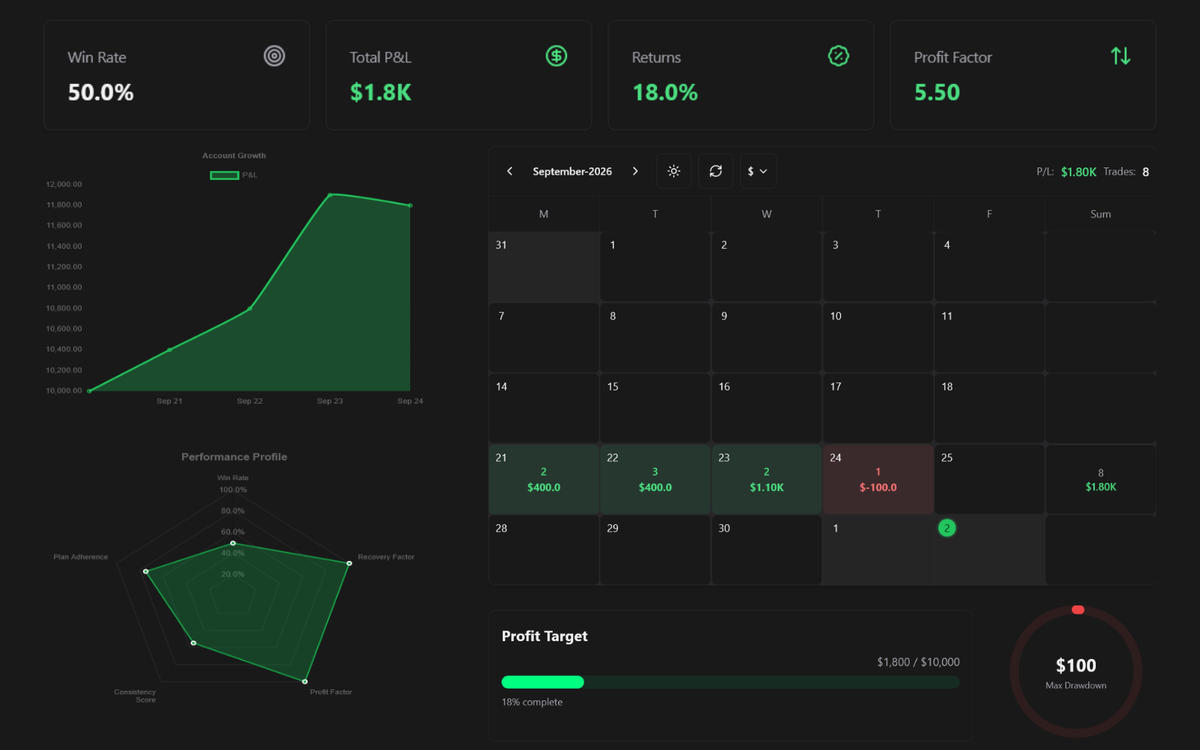
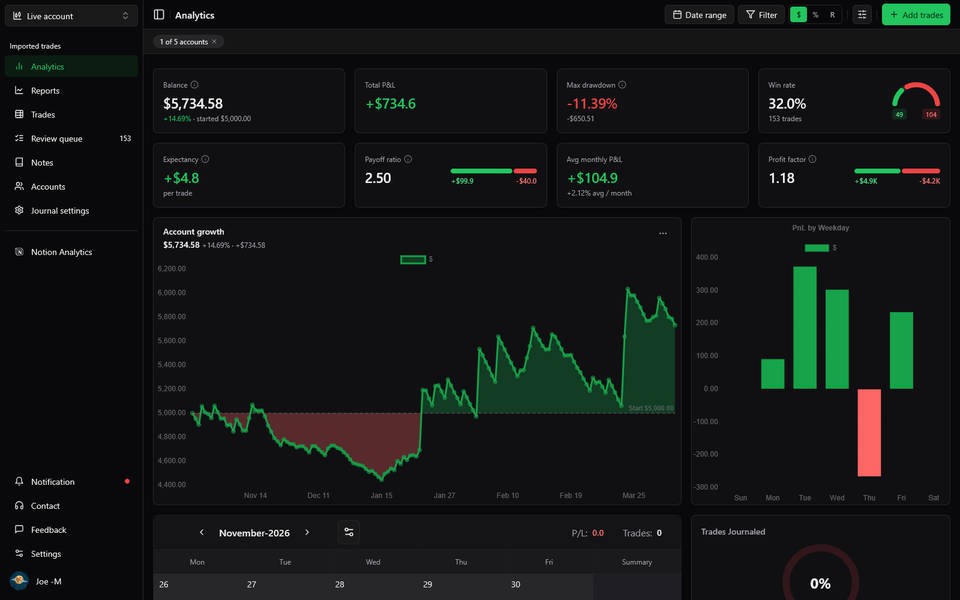
A free Notion trading journal template with live analytics: win rate, P&L, drawdown, and a P&L calendar, embedded right in your journal.
- Account growthEquity curve from your journal
- Win rate, profit factor and average RKey performance stat cards
- P&L by pair, session and weekdayFind where your edge is
- P&L calendarColor-coded days by result
Already have a journal in Notion? Connect it as it is →
- #1 Trading Journal
- 4.7 · 598 reviews
- 26 chart presets
Loved on the Notion Marketplace
4.7 · 598 reviews · 38,700+ duplicates on the Notion Marketplace (opens in new tab)
“As a new trader starting to journal trades this template has helped me so much and the analytics are amazing”
Lyf3
“This is such a great template. It's so hard to keep track of everything when trading and this one is so simple, clean, customisable and looks great.”
Harriet M
“Absolute masterclass of a template, allows user to modify to prefered design, Clean and user-friendly UI/UX, absolute cinema 🖐🏾🙂🤚🏾”
Mwizerwa Johnson
Category ranking on the Notion Marketplace as of Oct 2026.
From Notion journal to live chart in four steps
You can be embedding live charts in your journal within a few minutes.
Start a journal
Duplicate the free Notion template, or use the trading journal you already have.
Connect Notion
Authorize once and pick the journal FxJournalStats can read.
Pick a preset
Account growth, win rate, P&L by session, the P&L calendar, objectives and more.
Embed
Paste one link into Notion. It stays up to date.
You choose which pages FxJournalStats can access in Notion's share menu, and you can remove access anytime.Privacy policy
Beyond Notion
Trade on MT5 or TradingView? Import instead of typing.
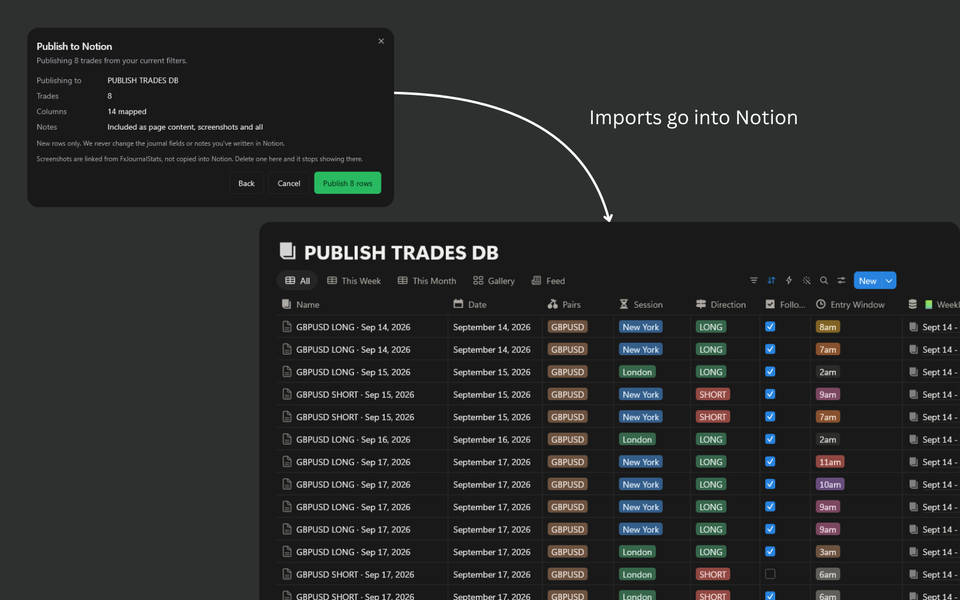
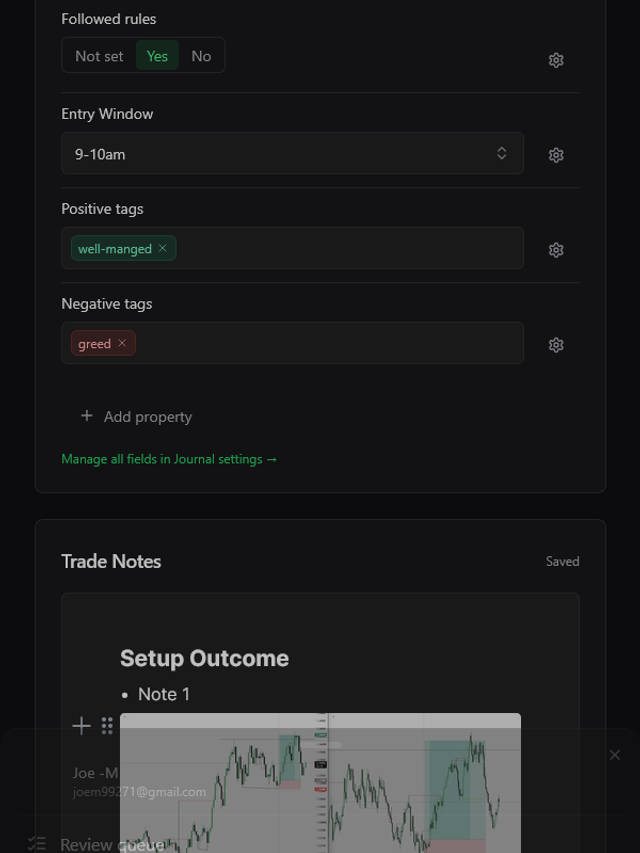
Upload your platform's export for the same analytics, a journal on every trade, and one-click publishing to your Notion journal. No Notion required to start.









Questions
Your trading journal, as a dashboard, in minutes.
Start on the free plan: 1 chart and 1 objective, no card.