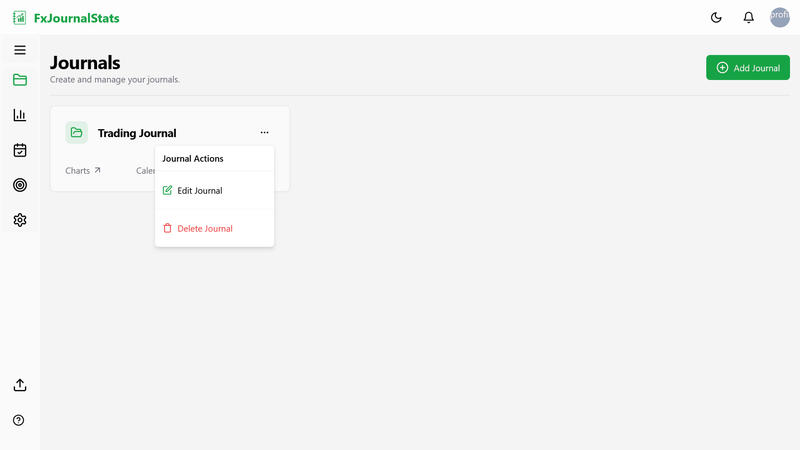
From the dashboard, open the journal card's actions menu (the ... button in the top right of the card) and choose Delete Journal. This removes the journal and all of its charts, objectives, and calendars from Fxjournalstats.
To revoke access on Notion's side as well, go to your Notion settings → My connections and remove FxJournalStats. After that, Fxjournalstats will no longer be able to read any pages or databases from that Notion account (and any journals you have connected to it).
